
A new year is the perfect time for a fresh start—not just for your goals, but for your tech too. If your phone has been feeling slow, running out of storage, or dying before lunchtime, you’re not alone. Between photos, apps, videos, and daily use, our devices take a beating. But with the right habits, you can restore your phone’s performance and extend its lifespan well into 2025.
Here’s your 2025 Tech Reset Guide with simple, effective ways to boost battery life, reclaim storage, and speed up your device—no tech skills required.
1. Maximize Your Battery Life the Smart Way
Your battery is the heart of your phone, and how you treat it impacts how long it lasts.
Avoid 0% and 100%
Contrary to popular belief, letting your phone hit 0% wears down the battery faster. The same goes for keeping it at 100% for long periods.
Best range: Keep it between 20%–80% when possible.

Use Certified Fast Chargers
A cheap charger might save you money today, but it could cost you a battery tomorrow. Use certified chargers—especially if you own a Samsung, iPhone, Xiaomi, or Infinix. They regulate voltage and prevent overheating, which keeps your battery healthy.
Turn Off Unnecessary Features
Bluetooth, mobile hotspot, and GPS are silent battery-killers. If you don’t need them, switch them off.
Lower Screen Brightness
The display uses more battery than any other part of your phone. Auto-brightness or 50% brightness is enough for 90% of your day.
Use Battery-Saver Mode
Most phones have smart battery features like Adaptive Battery (Android) or Low Power Mode (iPhone). These limit background processes and can extend your battery by hours.
2. Recover Storage Without Deleting What Matters
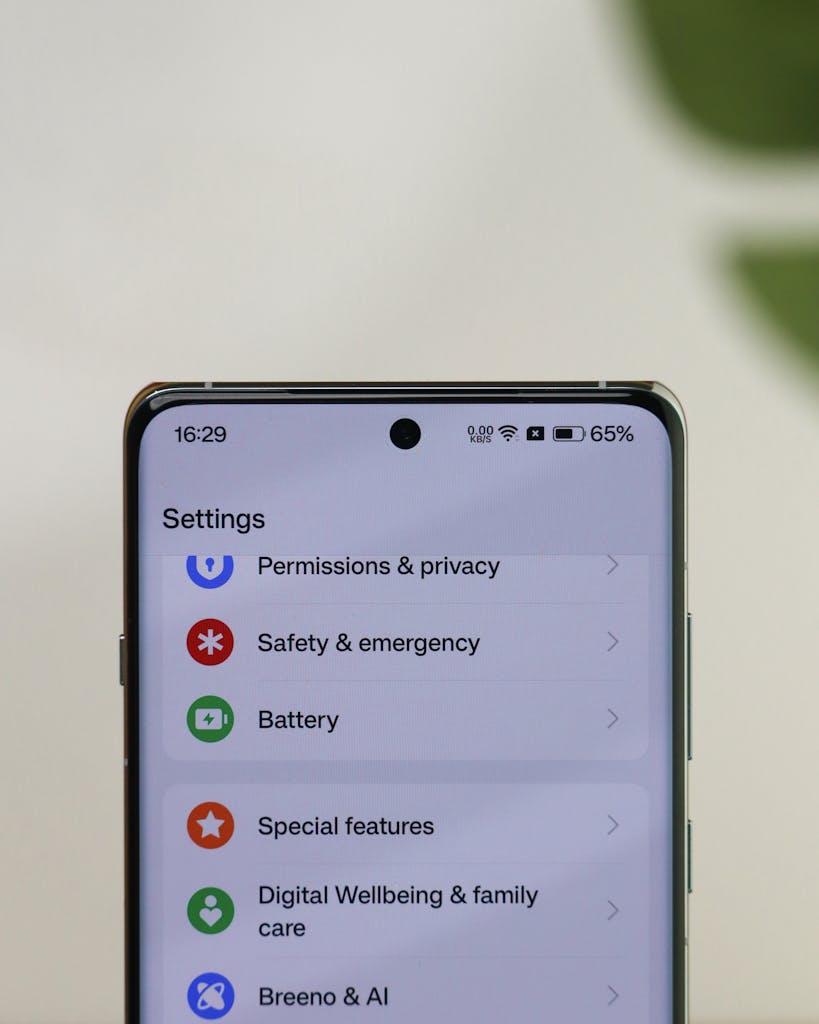
If your phone is always warning you that storage is full, it might not be your fault—apps, cached files, and hidden downloads pile up quietly. Start 2025 with a cleaner, more organized phone.
Clear App Cache Regularly
Apps like Facebook, TikTok, and Instagram store temporary data that can reach gigabytes. Clearing the cache won’t delete your photos or account—just the clutter.
Delete Duplicate Photos
Whether it’s screenshot memes, blurred pictures, or duplicates, the gallery is usually the biggest storage hog. Use built-in tools like:
- iPhone: “Duplicates” folder
- Android: Google Photos “Clean Up Space”
Move Files to the Cloud
Google Drive, iCloud, and Amazon Photos let you offload photos and videos while still accessing them anytime.
Uninstall Apps You Don’t Use
If you haven’t opened it in three months, you probably don’t need it. Each app you delete frees up storage and improves performance.
Download Instead of Streaming (When Smart)
Music apps like Spotify and Apple Music take large offline storage. If you’re running low, switch back to streaming. On the other hand, if you have good Wi-Fi at home, downloading videos to watch offline reduces mobile data usage.
3. Speed Up Your Phone So It Feels Like New Again
Lag isn’t always a sign that your phone is old—it’s often a sign it needs maintenance.
Restart Your Phone at Least Once a Week
Restarting clears memory, resets system processes, and instantly improves speed. Think of it like giving your phone a deep breath.

Update Your Apps
Outdated apps cause slowdowns and crashes. App updates often include performance improvements, bug fixes, and better battery optimization.
Keep Your Software Updated
Phone manufacturers release updates to fix glitches, improve security, and optimize system performance. Even older models benefit from staying up to date.
Turn Off Animations
In developer settings (Android) or accessibility options (iPhone), reducing animations makes your phone feel snappier instantly.
Limit Background App Refresh
Many apps run even when you’re not using them. Turning off background activity can significantly improve speed and reduce battery drain.
4. Bonus: Protect Your Phone in 2025
A fast phone still needs proper protection. Using a good case, a high-quality screen protector, and a waterproof pouch—especially for Belize’s rainy season—keeps your device safe and performing at its best.
Final Thoughts
A “Tech Reset” isn’t about buying a brand-new phone. Sometimes all you need is a few smart habits to extend your device’s life, keep everything running smoothly, and avoid expensive repairs.
By improving your battery habits, clearing storage clutter, and boosting your phone’s speed, you’re giving your device the fresh start it deserves for 2025.
If you need chargers, phone accessories, or a new device to start the year strong, visit Plett’s Electronics—we’re here to help you stay powered, connected, and prepared all year long.